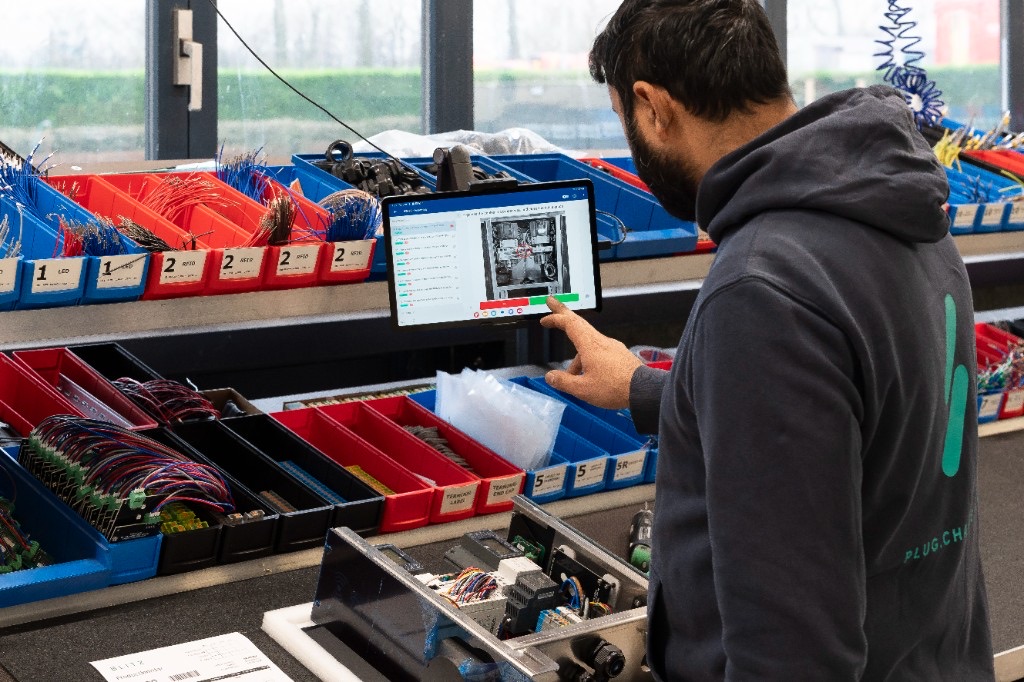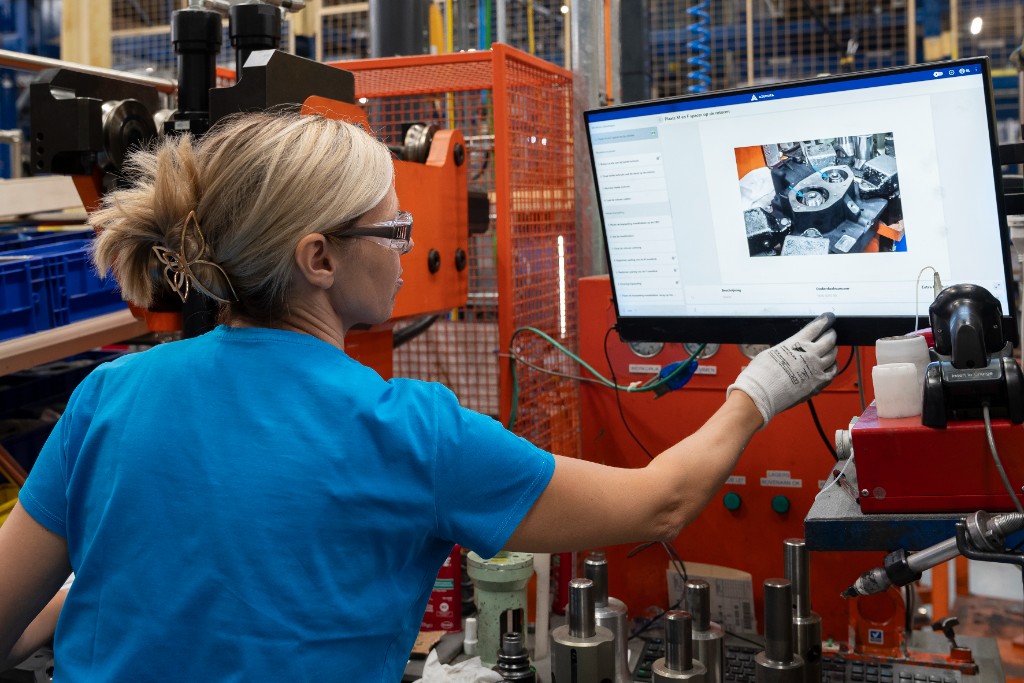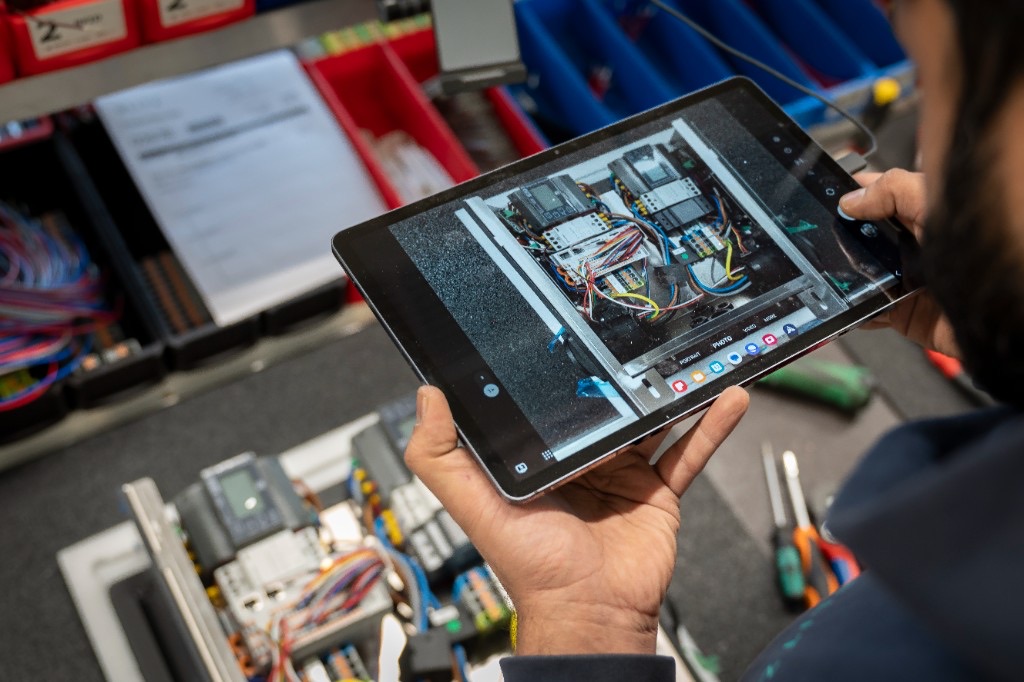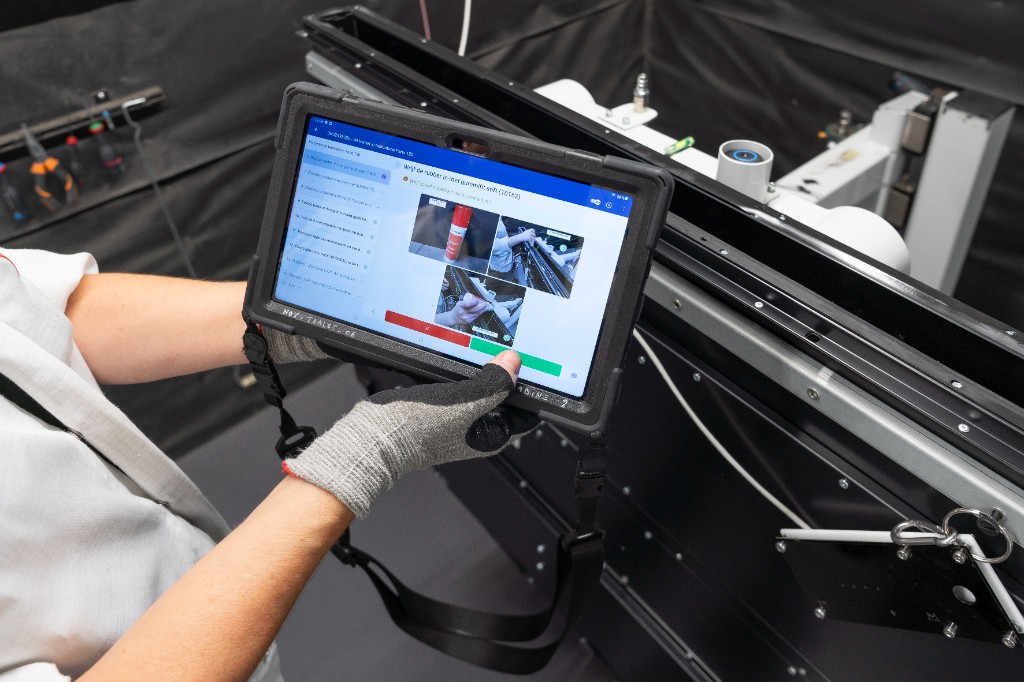
Digital work instructions replace printed sheets and static PDFs with interactive, screen-based guides that update automatically and log every change. Paper-based instructions still work for very simple, rarely-changing processes, but they fall behind fast once a manufacturer needs frequent updates, multiple product variants, or an audit trail.
How do digital and paper work instructions compare?
| Paper / static PDF | Digital work instructions | |
|---|---|---|
| Setup time | Fast to print, slow to distribute | Fast to build and publish instantly |
| Update process | Reprint, redistribute, collect old copies | Push update, all operators see it immediately |
| Media supported | Text, static images | Text, photos, video, 3D models |
| Version control | Manual, error-prone | Automatic revision history |
| Sign-off / approval | Paper trail, easy to lose | E-signature, logged automatically |
| Training use | Needs separate training material | Doubles as training content |
| Compliance trail | Manual filing, gaps common | Fully auditable, timestamped |
| Multi-variant handling | Separate sheet per variant | One instruction, parameter-driven |
| Integration with other systems | None | Connects to ERP, scanners, torque tools |
| Error visibility | Found after the fact | Flagged in real time on the floor |
When does paper still make sense?
Paper-based instructions aren't wrong for every use case. They can be reasonable for:
- A single, rarely-changing process with no variants
- Very small teams with no compliance requirement
- Environments where screens genuinely can't be used (some cleanroom or hazardous zones, though rugged tablets now cover most of these)
Outside of those cases, the gap grows quickly. Novy, for example, cut instruction management time by 50% and reduced customer complaints by 60% after moving off paper-based processes.
What changes when you switch to digital?
- Fewer errors from outdated instructions. Every operator sees the current version, since there's nothing old to accidentally grab off a shelf.
- Faster onboarding. New instructions double as training material with built-in visuals.
- A real audit trail. Every change, sign-off, and revision is logged automatically instead of living in a filing cabinet.
- Less admin overhead. No printing, redistributing, or manually tracking which version is current.
Which processes should I digitize first?
Do digital work instructions work without an internet connection?
Can I run digital and paper instructions side by side during a transition?
How much does switching typically save?
See our case studies for specific examples.
See digital work instructions in action
New to the topic? Start with what digital work instructions are, or go deeper with the ultimate guide to digital work instructions.
- How do digital and paper work instructions compare?
- When does paper still make sense?
- What changes when you switch to digital?
- Which processes should I digitize first?
- Do digital work instructions work without an internet connection?
- Can I run digital and paper instructions side by side during a transition?
- How much does switching typically save?
- See digital work instructions in action