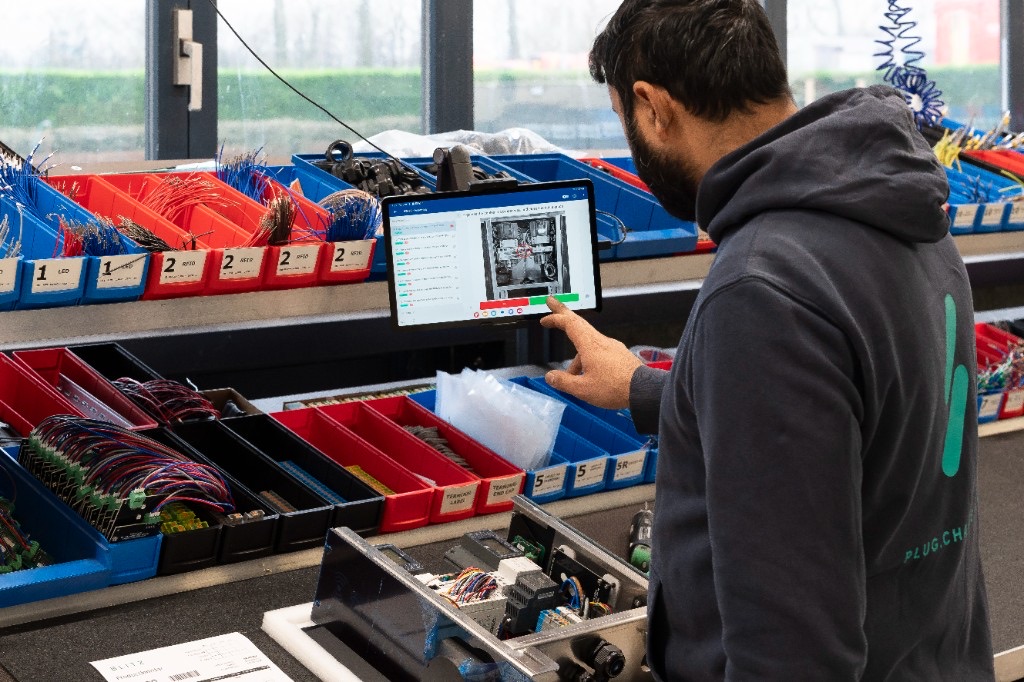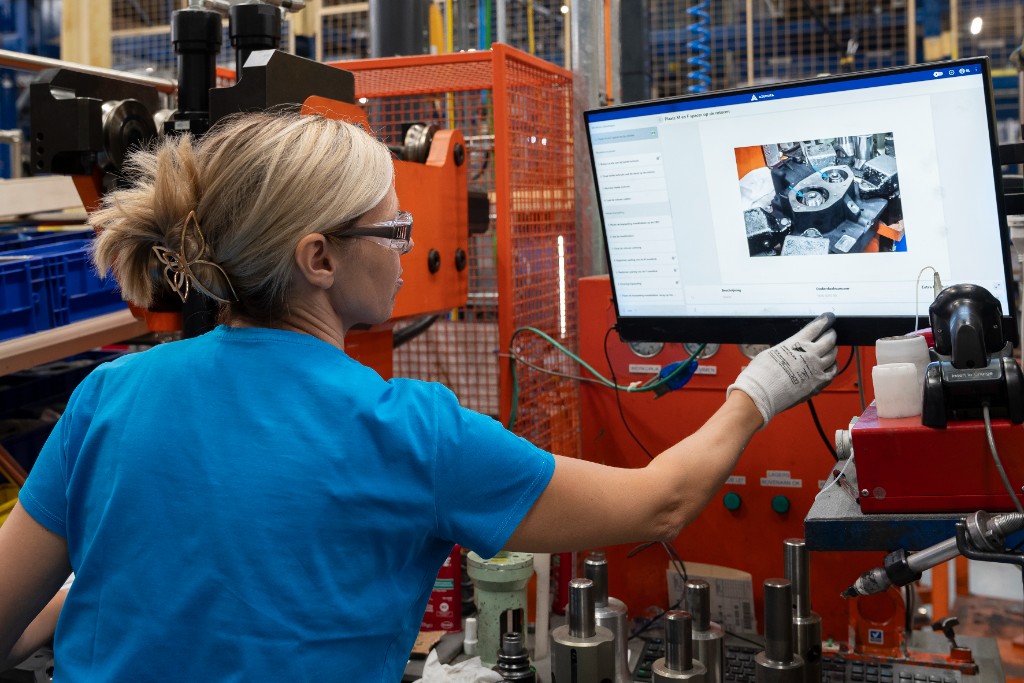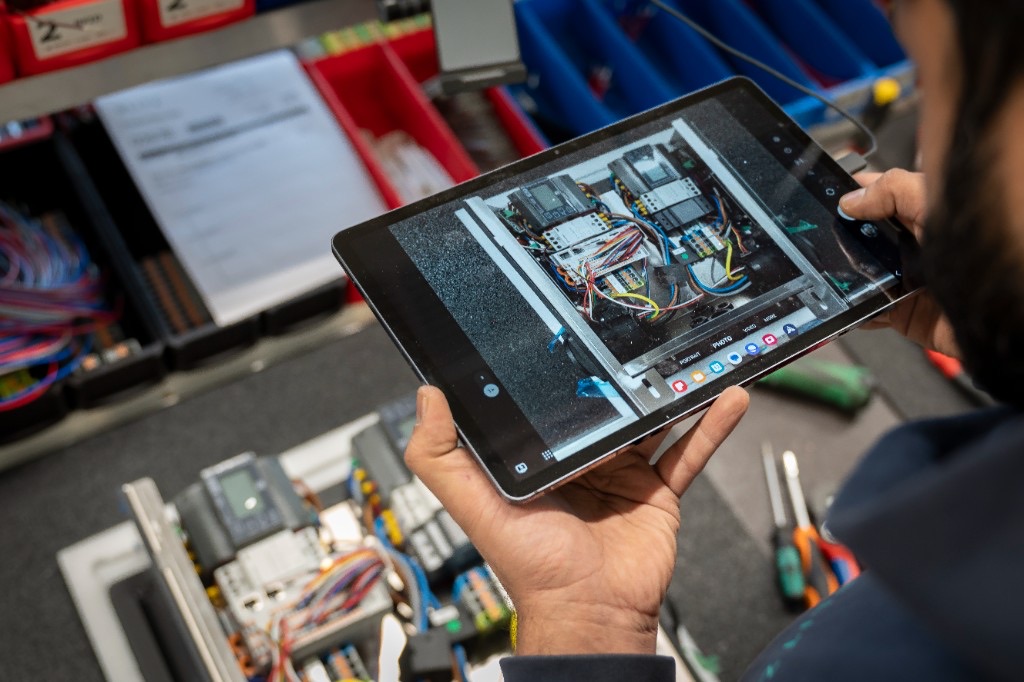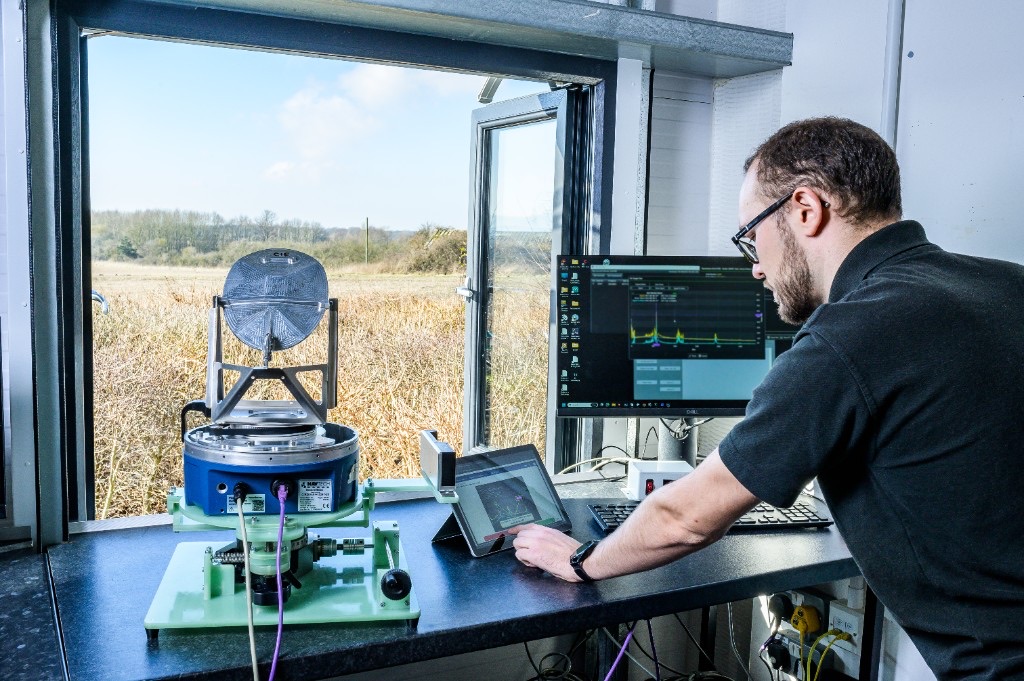
To implement digital work instructions, digitize one process first: convert an existing document into interactive steps, add sign-off points, pilot it with one team, then scale process by process. It isn't a full IT project. Most manufacturers get their first process live within days by converting what they already have rather than rebuilding from scratch.
You don't need developers or a big-bang rollout. A process expert builds the first instruction in a drag-and-drop editor, tests it on the floor, and expands only once it's proven.
What do you need before you start?
- At least one documented process to start with, even if it's a Word doc, PDF, or set of photos
- A process expert who knows the steps well, not necessarily a technical person
- A tablet or shared screen for the shop floor
- Optional: any existing ERP, scanner, or torque tool data you want to connect later
How do you implement digital work instructions?
- Pick one process to start with. Choose something with clear steps and enough repetition that the payoff is visible quickly. Don't try to convert your entire operation at once.
- Gather what you already have. Existing Word documents, PDFs, spreadsheets, photos, or even video and audio recordings can be converted directly rather than rebuilt from scratch.
- Build the instruction in the editor. Add steps, attach photos or video to each one, and set any parameters that change between product variants. No coding required.
- Add sign-off points. Decide where an operator needs to confirm a step, flag an issue, or trigger an approval before moving on.
- Connect live data if relevant. Link the instruction to ERP order details, torque tool readings, or scanner input so the right version reaches the right operator automatically.
- Test with one operator or team. Run the instruction on the floor before rolling it out further, and collect feedback on clarity and step order.
- Roll out and monitor. Once the first process runs smoothly, expand to the next one. Track error rates, training time, and instruction management time to measure impact.
- Review and refine. Use the revision history to update instructions as processes change, and keep expanding to new lines or product families.
How long does implementation take?
| Phase | Time |
|---|---|
| First process live | Days, not months |
| Team trained on the new instruction | Same week |
| Second and third processes added | Following weeks, based on capacity |
| Full line coverage | Varies by number of processes and product variants |
What mistakes should you avoid?
- Trying to convert everything at once. Start with one process, prove the value, then expand.
- Skipping the test run. Always pilot with real operators before a full rollout.
- Not connecting sign-off points. Without them, you lose the audit trail that makes compliance easier.
- Treating it as a one-time project. Instructions should be revisited and updated as processes evolve.
Do I need IT support to implement digital work instructions?
Can I convert existing paper or PDF instructions automatically?
How many processes should I start with?
Does implementation require downtime on the shop floor?
Why manufacturers start small
The manufacturers who succeed fastest treat rollout as a series of small wins rather than one big project. Getting a single process live in days builds momentum, gives operators something concrete to react to, and turns each new line into a repeatable step instead of a leap.
See digital work instructions in action
New to the topic? Start with what digital work instructions are, or weigh the options in our digital vs. paper comparison and software benefits comparison.
- What do you need before you start?
- How do you implement digital work instructions?
- How long does implementation take?
- What mistakes should you avoid?
- Do I need IT support to implement digital work instructions?
- Can I convert existing paper or PDF instructions automatically?
- How many processes should I start with?
- Does implementation require downtime on the shop floor?
- Why manufacturers start small
- See digital work instructions in action