
From static documents to reviewable work instructions
In brief
Azumuta's Document Extractor converts existing manufacturing documents into structured work instructions, with local and AI-assisted processing options.
TL;DR
Problem
- Years of process knowledge sit in PDFs, Word files, and slide decks.
- Rebuilding that content as digital work instructions takes time. Figures, warnings, tools, and page structure all need to survive the move.
Solution
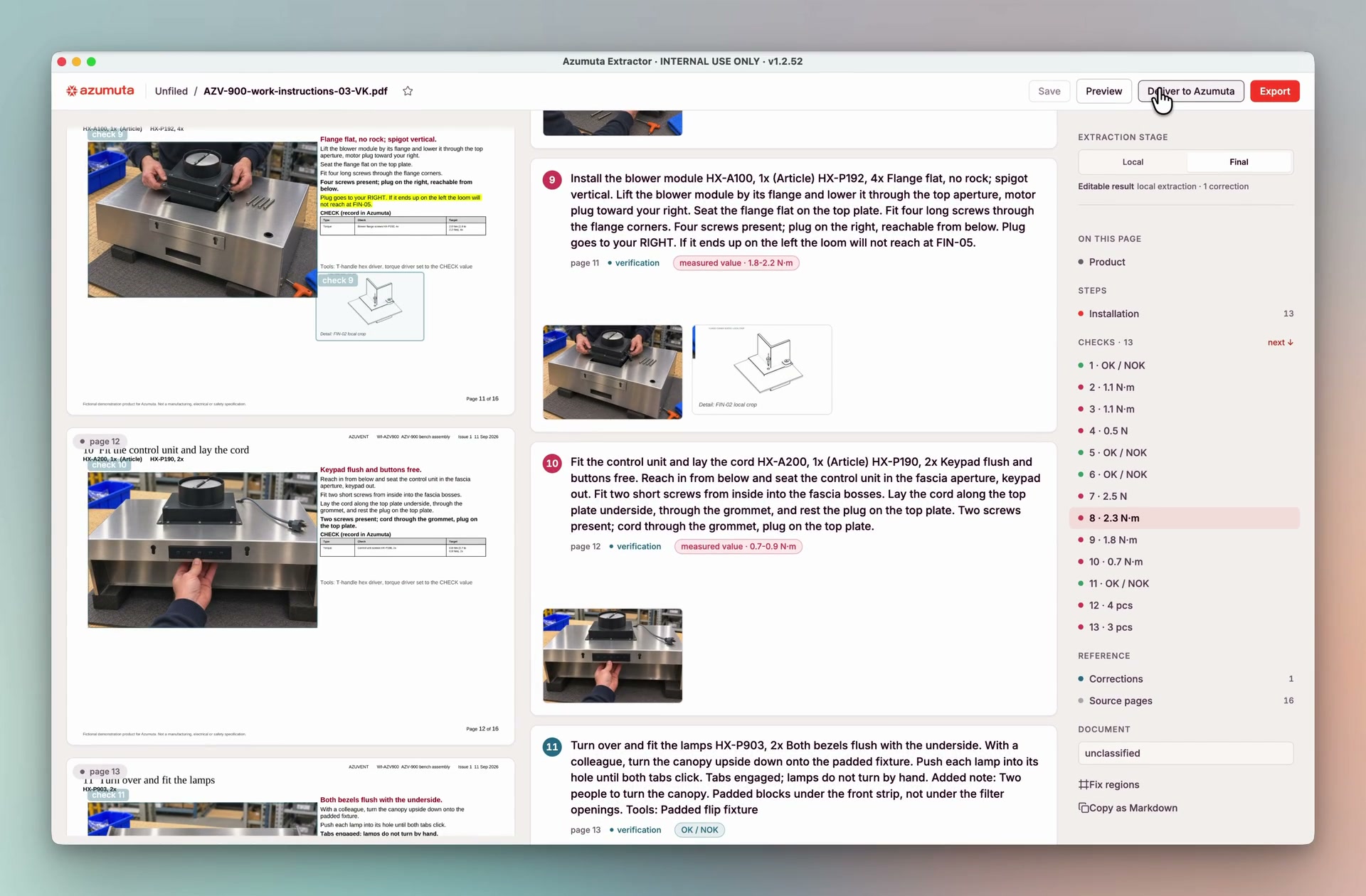
- Azumuta’s Document Extractor builds a structured draft and links review items to the source page.
- The approved result arrives in Azumuta as an editable work instruction.
Processing options
- Local: files and processing stay on your computer. Approved results sync to your cloud or on-premise Azumuta environment.
- AI-assisted: stronger visual and semantic interpretation for complex documents, subject to your security and compliance rules.
Problems
Knowledge sits in static files
Years of process knowledge already exist. It lives in PDFs, Word files, and slide decks written for people to read. Digital work instructions are the destination: ordered steps with figures, warnings, parts, tools, and checks that a team can edit, translate, version, and publish.
Conversion is not a copy-paste job
Manufacturing documents mix text, tables, drawings, scans, and page references. Their layout often explains which figure belongs to which step. A text-only import can preserve the words and still attach a torque value or diagram to the wrong instruction.
Manual conversion is slow. Someone has to copy each step, crop every figure, recreate resources, and check the result against the source. Automated extraction needs the same traceability. Reviewers need to see gaps and uncertain links before publishing.
Context
A document is not a work instruction
A manufacturing document is a sequence of pages. It carries printed page numbers, figure regions, warnings in the margin, and references to other drawings, manuals, or specifications. The page is often the procedure: which photo belongs to which step is a layout decision, not a caption.
A work instruction is a different kind of document. It is a structured list of steps with media, parts, tools, and checks. Moving from one to the other means recovering that mapping, not flattening the file into text.
Why naive extraction breaks the mapping
Extracting text alone, or generating steps without the page in view, can produce a readable instruction and still attach the wrong figure, drop a warning, or lose the printed page order. Without a link back to the source page, a reviewer cannot tell a correct extraction from a confident one.
Generic OCR and AI converters usually stop at readable text. That is not the same as a trustworthy work instruction.
Any conversion worth publishing has to keep the source visible, surface missing references as gaps, and require a person to approve what leaves the document.
Where the file is allowed to go
Plants also differ on where a file may be processed. Some sites need source documents and computation to stay on the computer. Others can use stronger visual and semantic interpretation, subject to security, data-processing, and compliance rules. That constraint decides which extraction path is available. It does not change what a correct instruction has to look like.
Solution
Azumuta is developing Document Extractor to close that gap.
Extract a structured draft
Document Extractor classifies the file, renders each page, recovers available text, and identifies figure regions. Page order and printed page numbers are checked. Long documents run in chunks you can resume, so a 40-page file does not have to finish in one pass.
The local path keeps files and processing on your computer. The AI-assisted path uses visual interpretation to connect instructions with exact regions on the page. Both keep the source visible. References to external drawings, manuals, or specifications remain visible as gaps for review. Nothing syncs until someone approves it.
Review the exceptions
Review items link directly to the source page. They cover missing steps, unused figures, unclear text, conflicting regions, and missing references. Reviewers can edit text, exclude a step, or redraw a figure region. The crop updates from that correction.
An independent check compares the proposed extraction with the source. Any disagreement enters the same review queue.
Create the instruction
The output preserves step order, figures, warnings, notes, parts, tools, and checks. After review, the local application syncs the approved instruction and media to your Azumuta environment. The destination can run in the cloud or on-premise.
Azumuta’s import flow previews the package, creates the instruction, and copies approved media into the destination workspace. Teams can then edit, translate, version, and publish it.
Measure against the document
Coverage checks use numbered steps, page-level yield, and unused figures. In the current 23-document lab corpus, 22 documents reached full text agreement after independent review. Reviewers disputed 2% of step figures. We are expanding this baseline across more document families and layouts.
Where this is today
Document Extractor currently supports classification, extraction, review, and delivery into Azumuta for PDFs and supported office documents. The local and AI-assisted workflows are being tested across customer documents. Source traceability and human approval remain part of every delivery.
See it on a document from your library: request a demo.
Questions or files to try: research@azumuta.com.
More from the lab
All publications →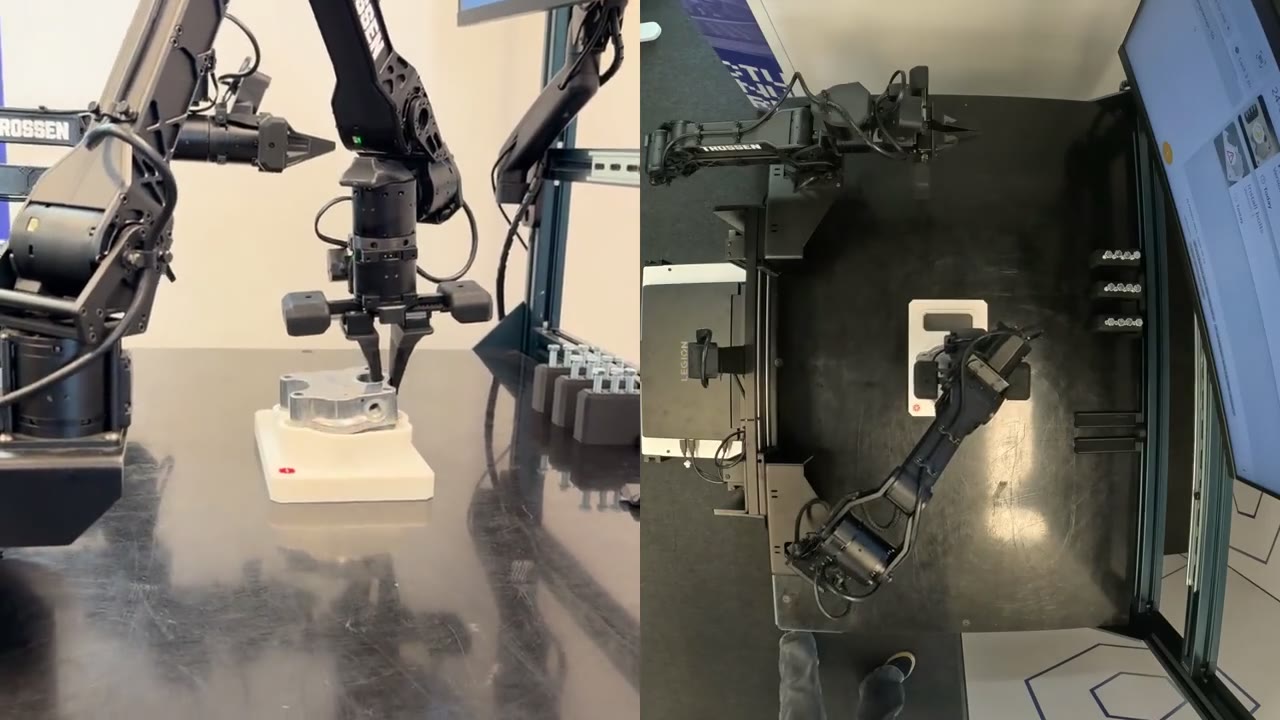
Azumuta's first robotics field note
A Trossen WidowX handled one component on the bench. An operator checked the result in Azumuta. When is the job finished?
Research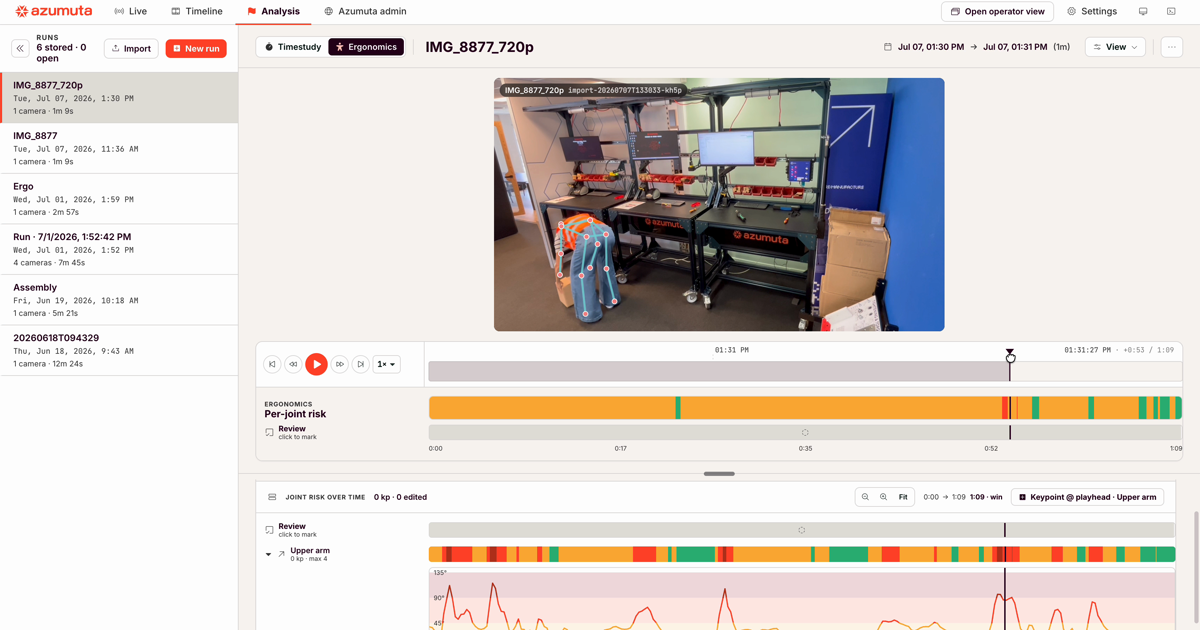
Reading ergonomic risk straight from shopfloor video
The same shopfloor recording that drives our work-instruction capture also carries the operator's posture. Here is how we turn it into metric 3D pose and defensible ergonomic risk scores, on-premise.
Research
Introducing Azumuta Labs
A new public arm of Azumuta where we connect state-of-the-art manufacturing AI to real shop-floor problems, and share what we learn, including the failures.
AnnouncementBring a real challenge.
A process, document, or workstation that needs closer study. Work with our team to test a clear question and learn from the result.
Collaborate with us ↗