
Log in to Azumuta on web as an admin
This article covers how to log in to Azumuta on Web as an admin. See the differences between Azumuta on Web and the Azumuta app for context.
To log in, go to the Azumuta on Web login page:
- https://app.azumuta.com
- If your workspace has a custom domain use
<your-custom-domain>.azumuta.com - If your company has an on-prem setup, check with your admin for the exact URL.
On the login page, depending on your company's setup you'll see all or some of the following options.
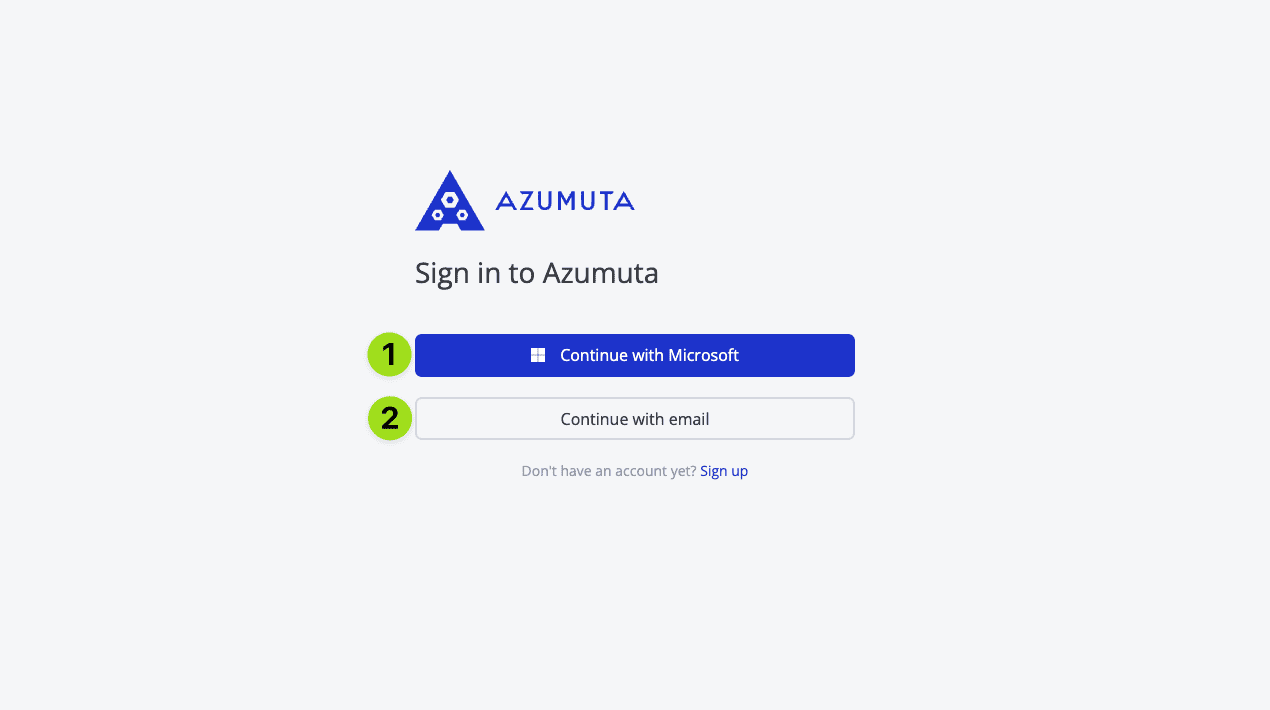
Sign in with email and password
- Enter your email address.
- Enter your password.
- Click Log in.
If you forgot your password, see how to reset your password.
Sign in with single sign-on (SSO)
If your company uses an identity provider (for example Microsoft Entra ID), click the SSO button shown on the login page and complete sign-in with your company account.
When your identity provider does not send an email address
Some Entra ID users do not have a mailbox, so the identity provider may not send a standard email claim. When this option is enabled for your workspace, Azumuta can fall back to the userPrincipalName or preferred_username claim instead, as long as the value is still email-shaped. This applies to login, signup, and signature callbacks.
This fallback is configured per OIDC issuer on the server. If SSO fails with a missing-email error for users without mailboxes, contact support@azumuta.com to have the fallback enabled for your issuer.
Two-factor authentication
When two-factor authentication is enabled on your account, you enter a verification code after your password or SSO step. See how to edit your personal profile to configure two-factor authentication.