
Reset your password
If you forgot your password, you can reset it. The method depends on how you log in.
Reset your password on Azumuta on Web (admin view)
These steps apply if you log in with Continue with email.
- Go to your workspace's login page.
- Click Continue with email.
- Click Forgot password.
- Enter your email address.
- Click Send reset link.
- Follow the instructions in the email.
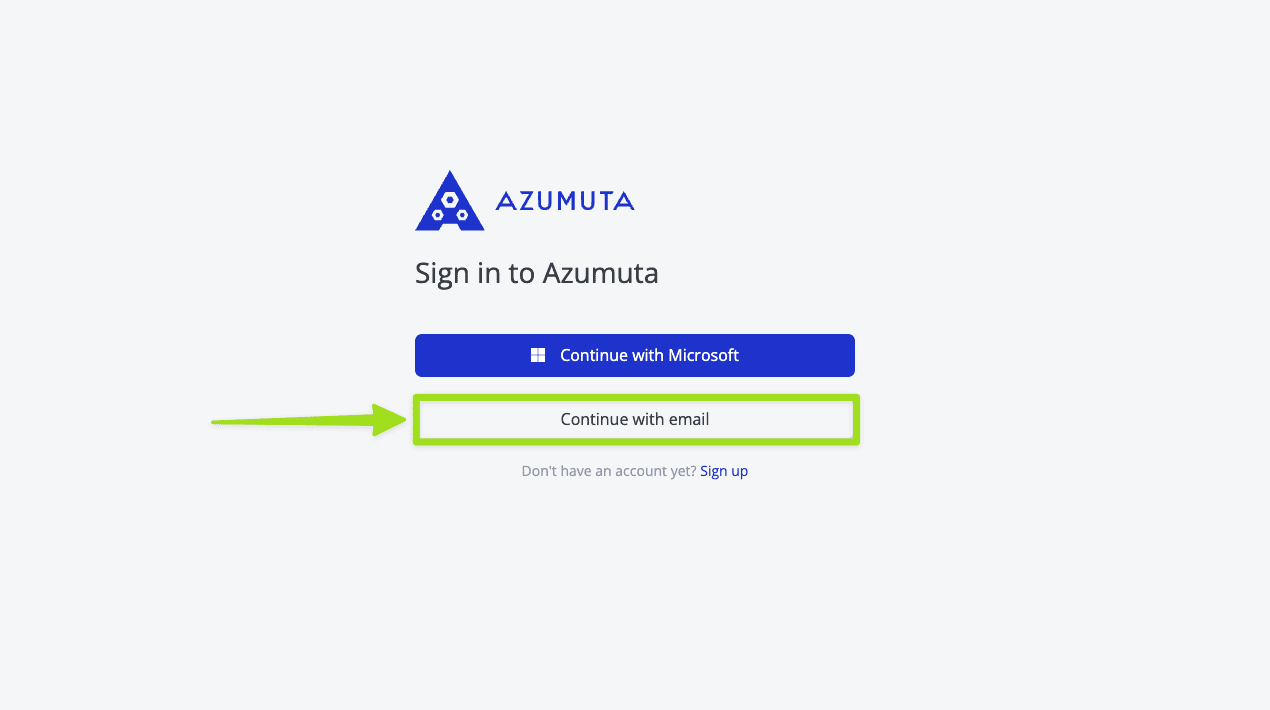
If you log in with Continue with Microsoft, reset your Microsoft account password instead.
Set or reset your password from a mobile browser
Operators who receive a set-your-password, reset, or enrollment email on a phone can complete the flow in the mobile browser. You do not need to reset your password inside the Azumuta app.
An admin can also send you a reset link from Management → Users → Overview by choosing Reset password for your account. See how to manage user accounts on a workspace.
- Open the email on your phone.
- Tap the button in the email. Enrollment emails use Set your password. Reset emails use a link to open the reset form.
- In the mobile browser, enter a new password and confirm it. Reset screens show the heading Reset your password?. First-time set screens show Choose your password or similar set-password copy.
- Tap Change password on a reset form, or Set password when you are setting a password for the first time.
- The screen shows Your password is set and Continue in the Azumuta app on your device.
- Tap Open the Azumuta app. If the app is not installed yet, use the App Store or Play Store badge on the same screen.
After you open the app, log in to the Azumuta app with your email and new password.
Other ways for operators to sign in
If you cannot use a password email, you can still:
- Log in with a one-time QR code
- Log in with an identifier