
Improved UI for Top-Level Items
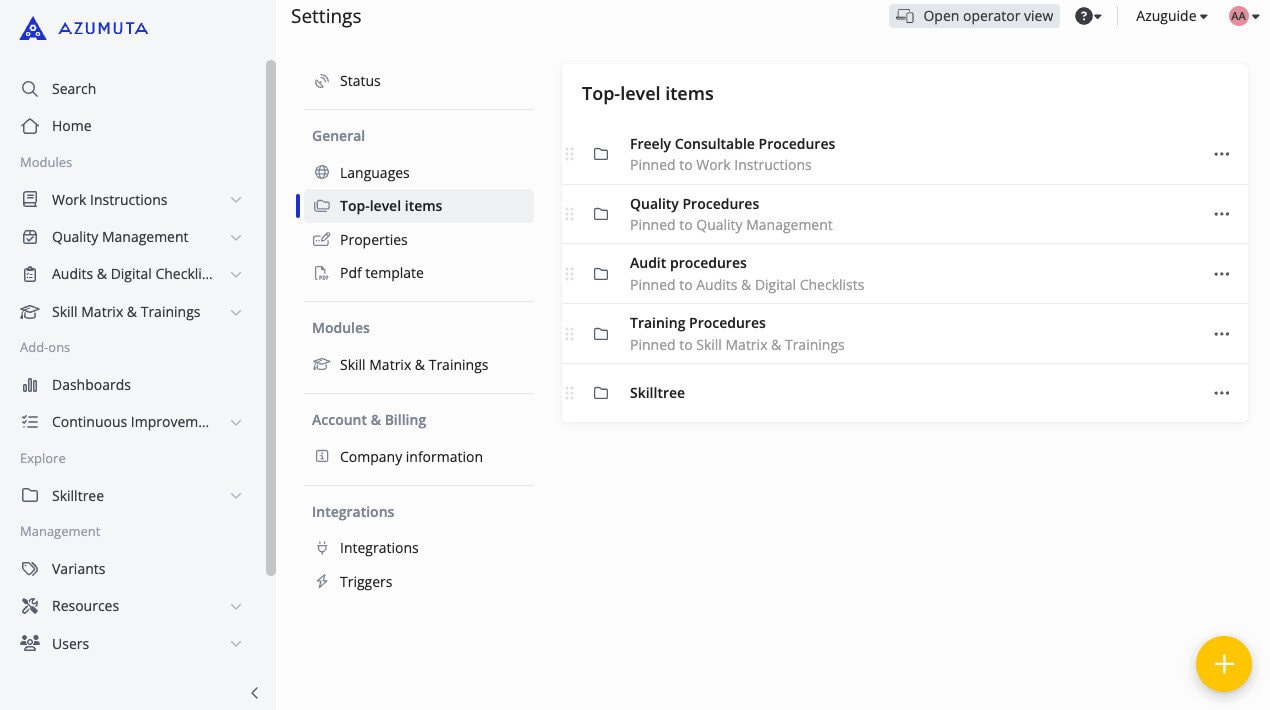
We’ve enhanced our user interface (UI) in displaying top-level items. Now, top-level items are only displayed on the modules where they are pinned. They no longer appear in the Explore section.
This enhancement will prevent confusion surrounding top-level items, and make your workspace appear more sleek.
See top-level items in the side panel for more information.
Note: By default, the Explore section is not enabled on your workspace. Nevertheless, this a handy feature, as it gives you more freedom in organizing your workspace compared to the default modules & add-ons system. If you would like to learn more about this feature, please contact us through our support@azumuta.com email.