
User Rights: The Continuous Improvement Tab
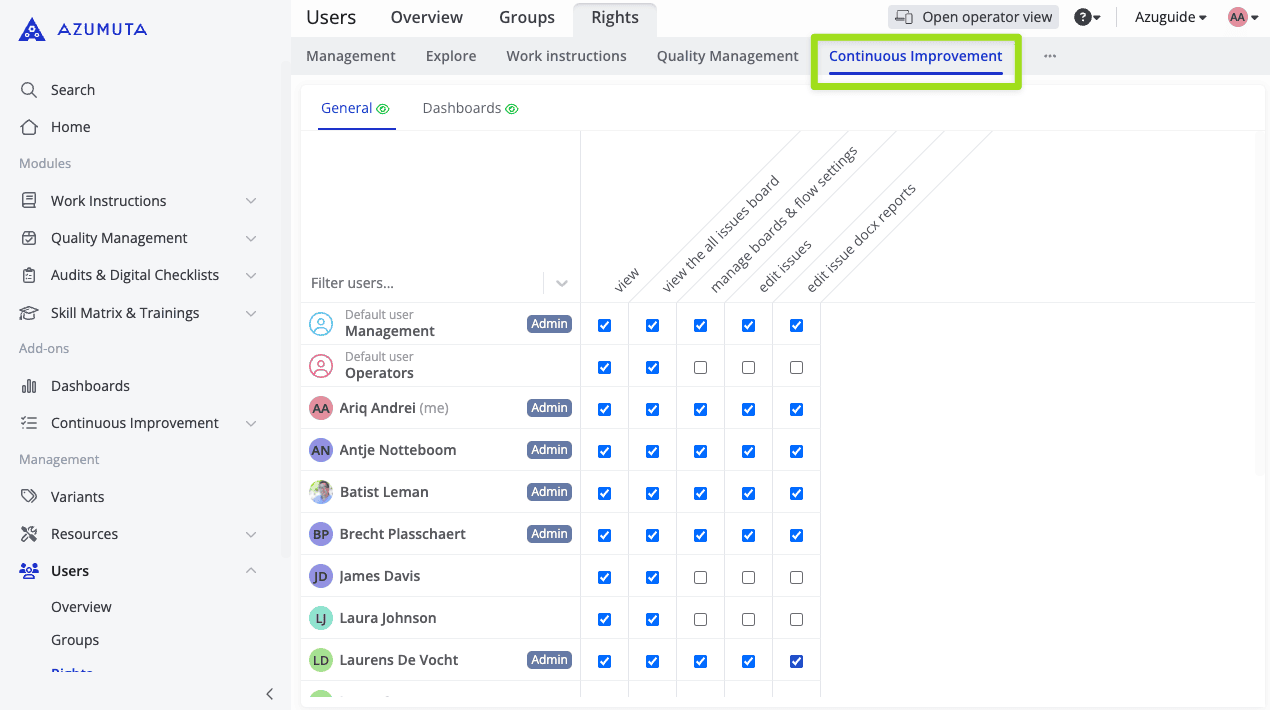
This article covers the Continuous Improvement tab. As the name suggests, this tab covers user rights that are related to the Continuous Improvement add-on.
What Are the Available Configuration Options?
The Continuous Improvement tab is divided into 2 topic tabs:
- General
- Dashboards
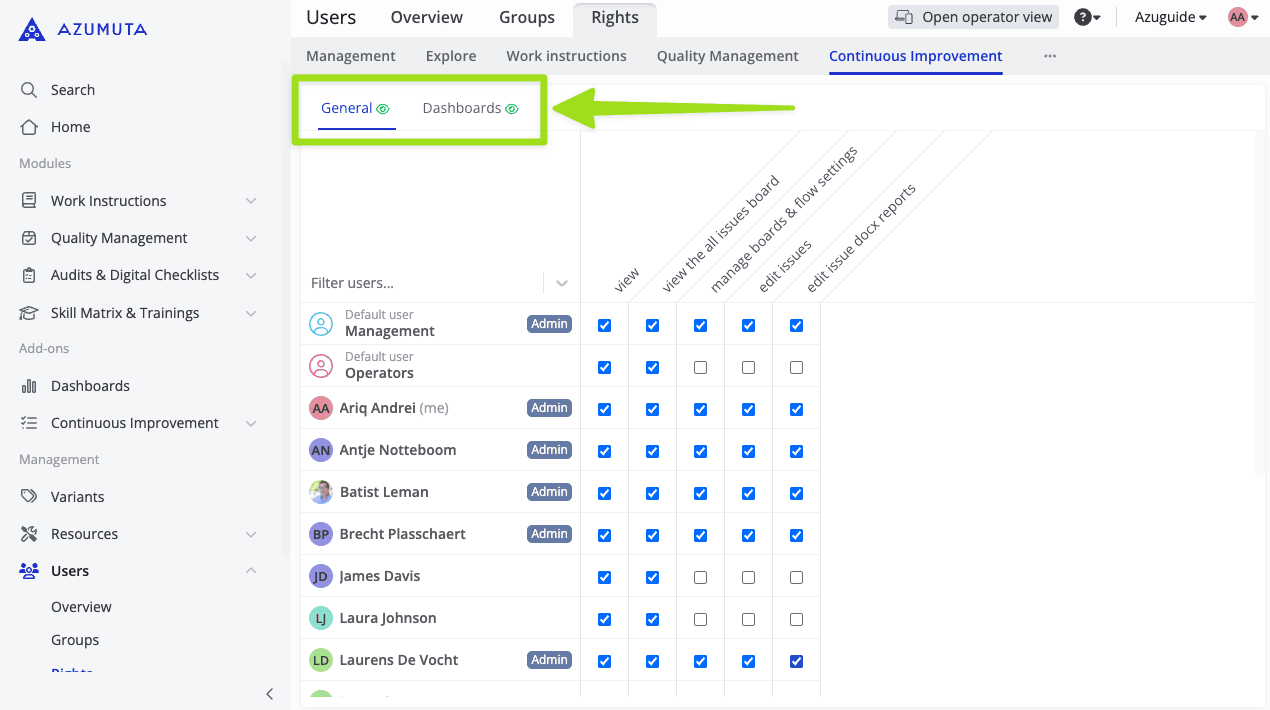
We will explore each topic tab in detail in the sections below. You can click any of the images to enlarge it.
General
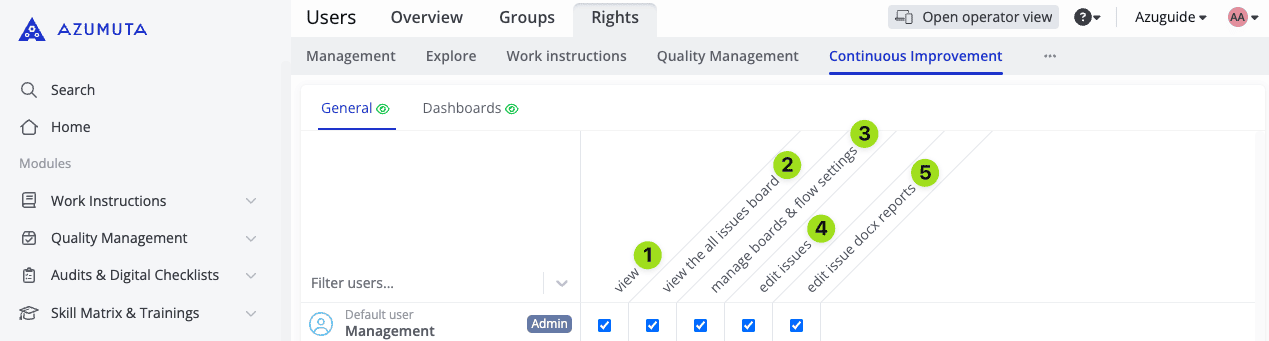
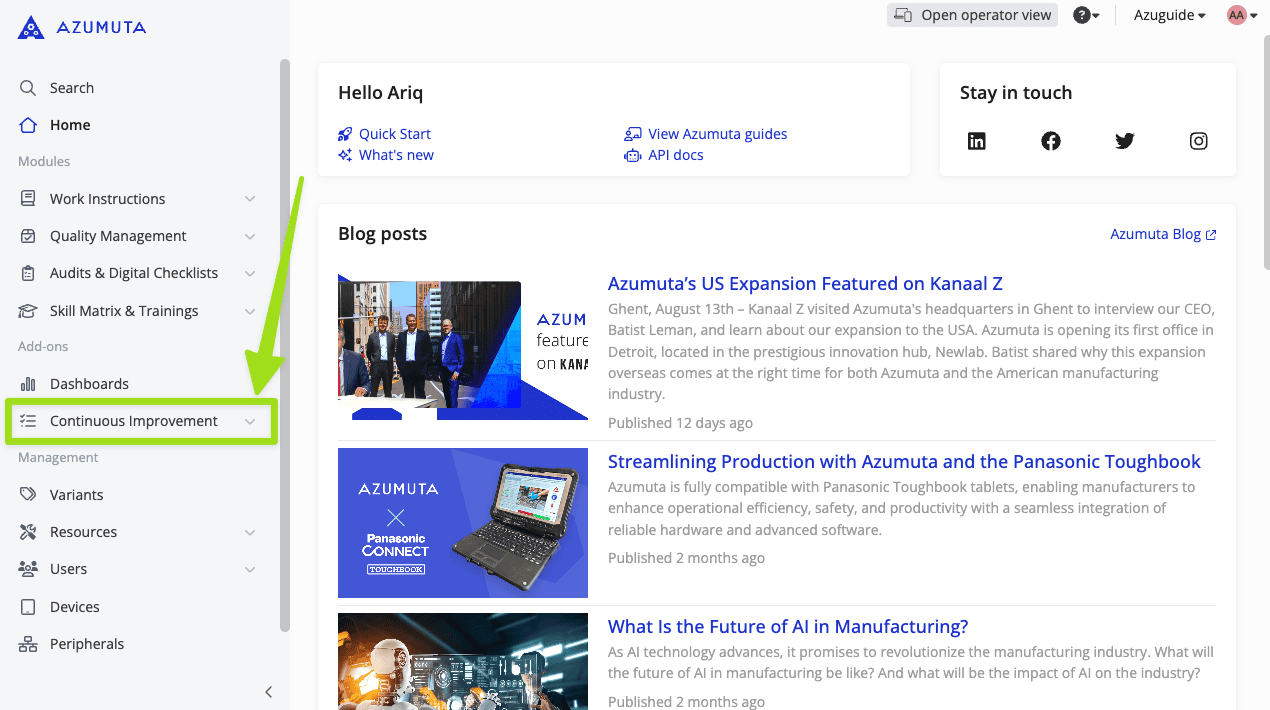
- If ticked, the user can see and access the Continuous Improvement add-on on the sidebar, as shown in the image below:
- If ticked, the user can view the All Issues improvement board – which displays all of the existing issues in your workspace. Please have a look at the image below to see where this improvement board lies:
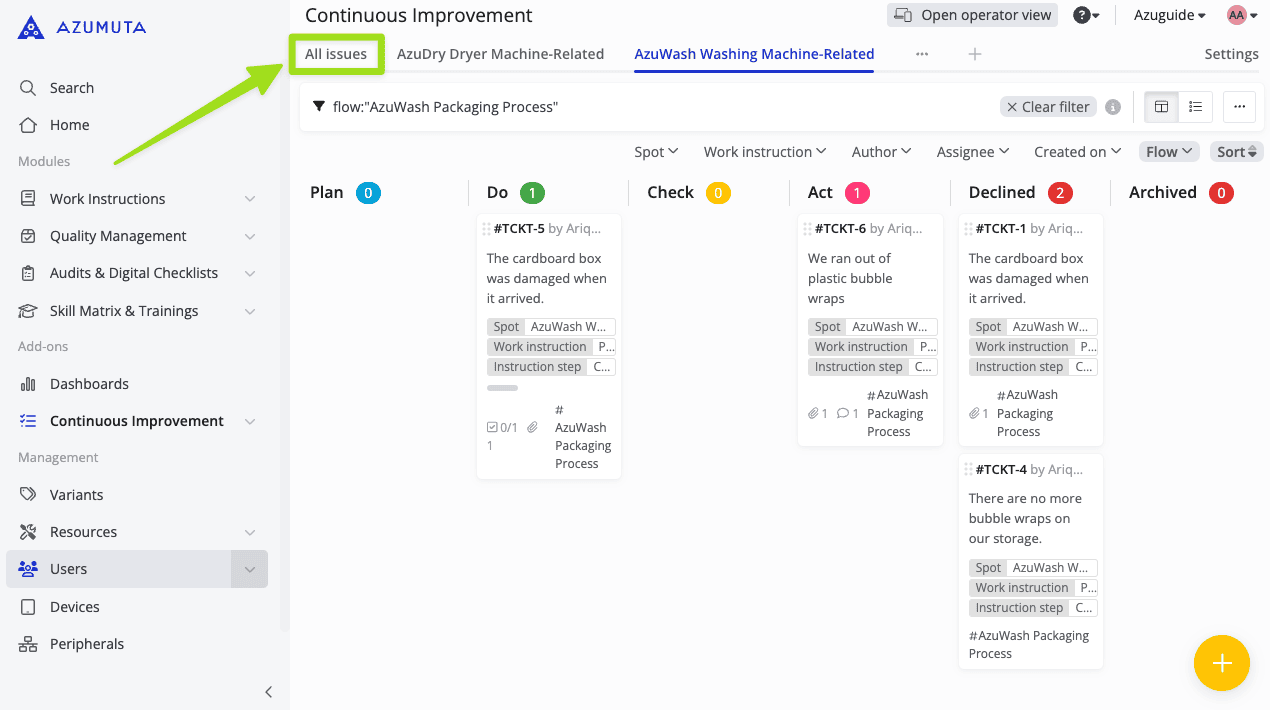
- If ticked, the user can create and configure improvement boards & improvement flows.
- If ticked, the user can edit issues.
- If ticked, the user can upload and configure docx reports.
Dashboards
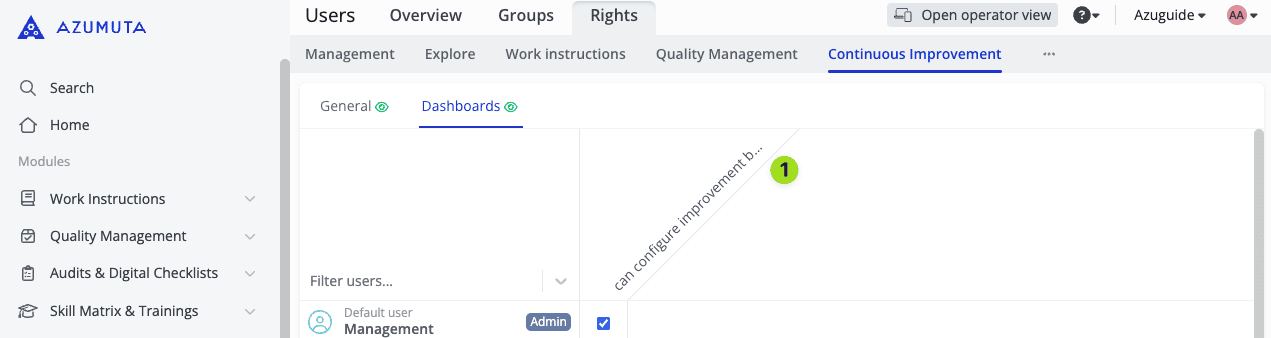
- If ticked, the user can create and configure continuous improvement dashboards & widgets.
On this page