
Enhanced UI for Linked Work Instructions and Instruction Steps
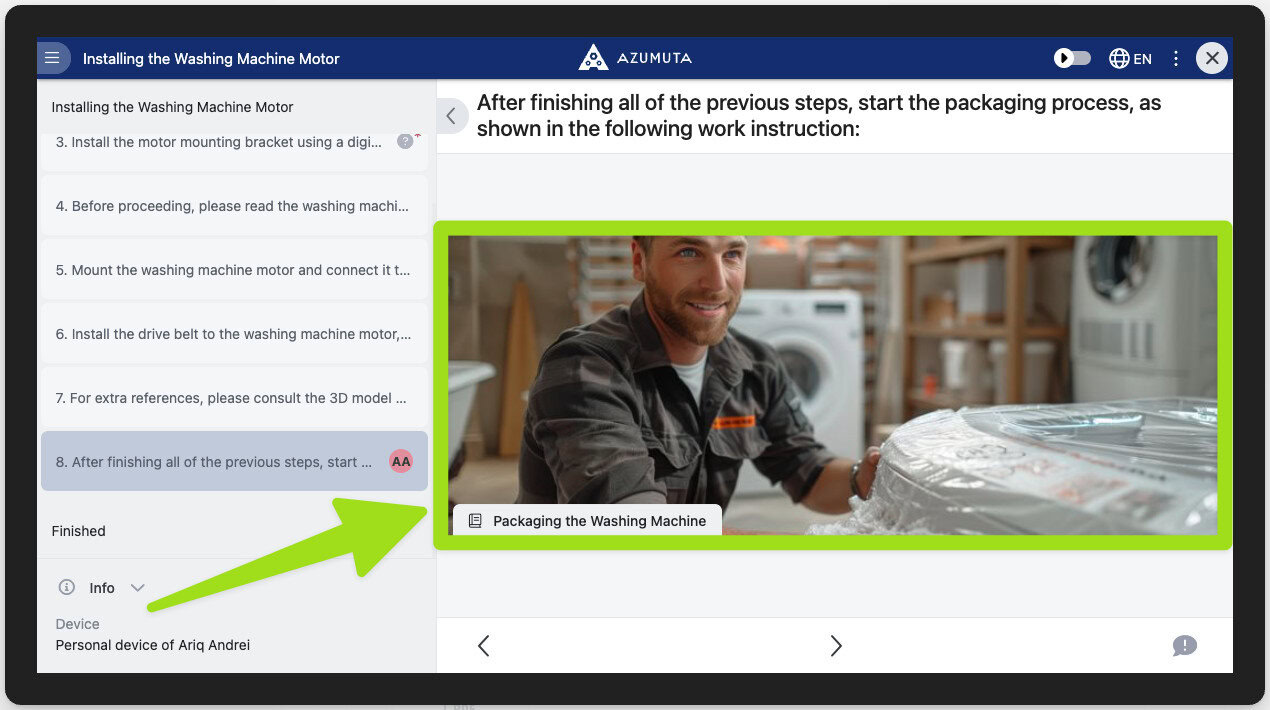
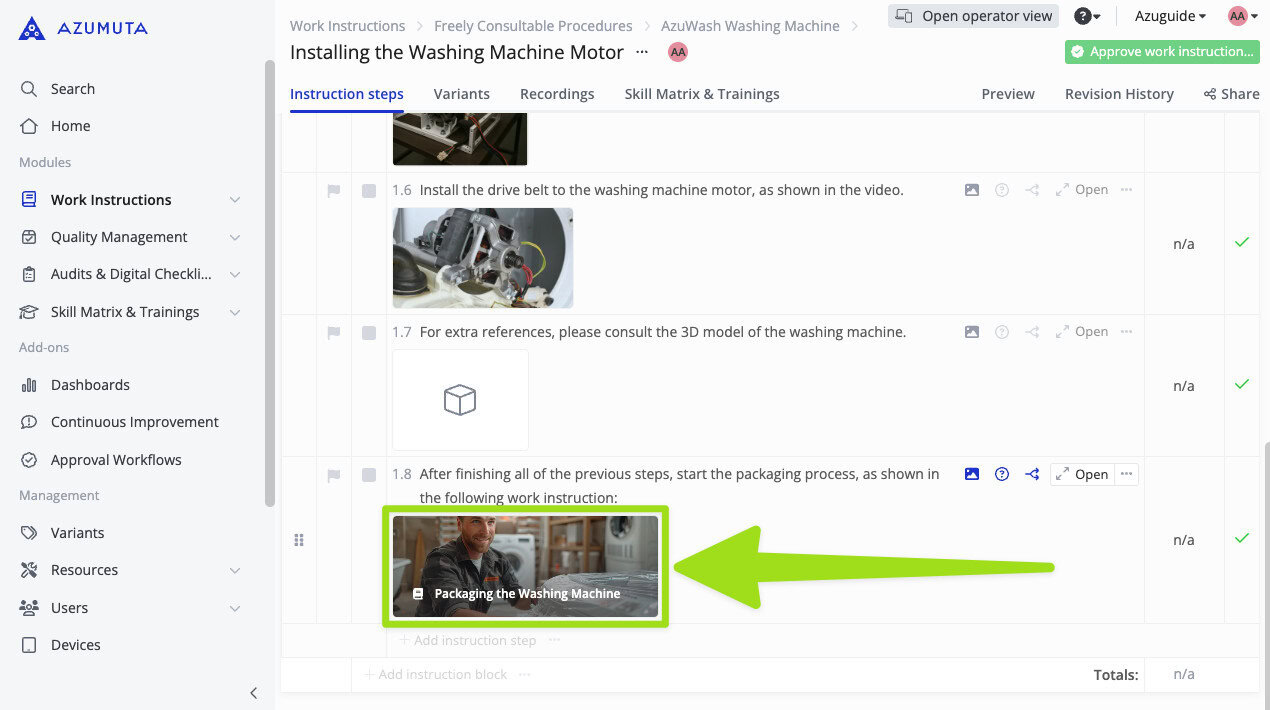
We’ve enhanced the user interface (UI) for our work instruction and instruction step linking feature. Now, each linked work instruction and instruction step has a preview thumbnail that displays its visual page.
This enhancement means that users can quickly check where the link will lead without even clicking it – making the entire experience more intuitive and efficient. It’s particularly useful in environments where speed and accuracy matter highly.
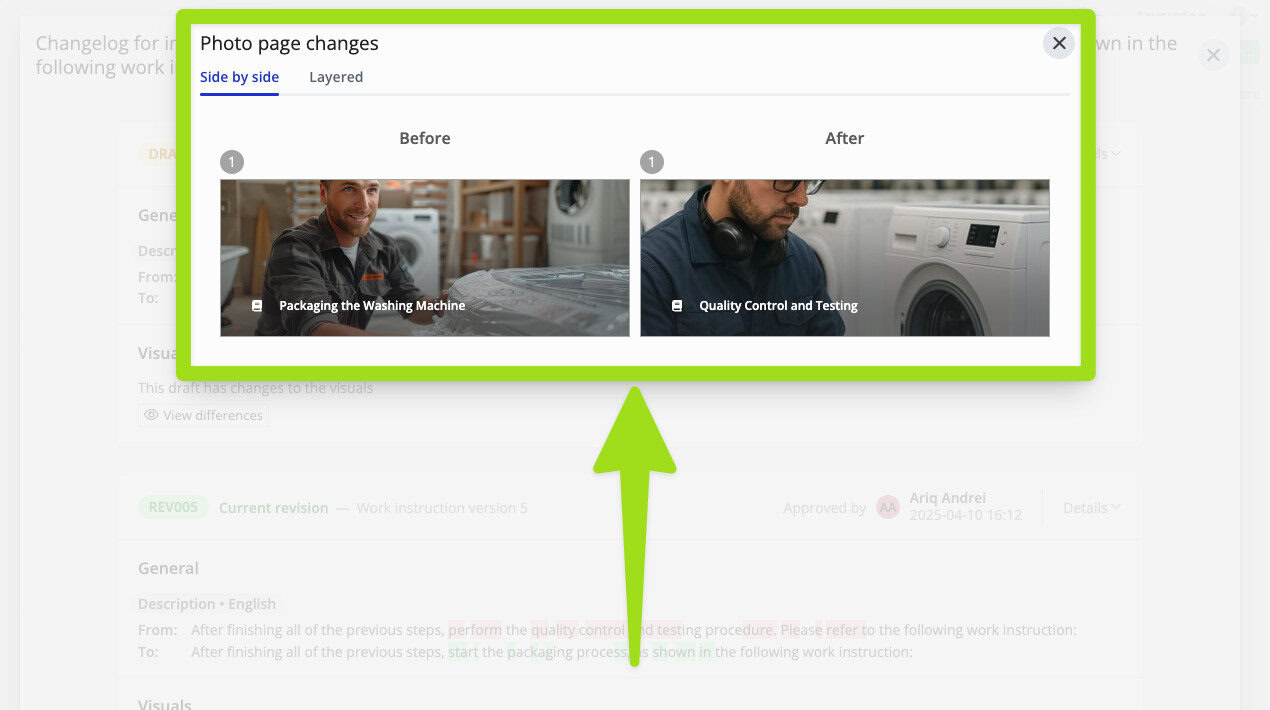
Additionally, we’ve also added a preview thumbnail for linked visuals in the revision history of each instruction step. That way, admins can see the before and after changes that were done to an instruction step with just a single glance – making it easier and faster to track changes over time.
See work instruction and instruction step linking for more details.