
View created product orders
After a product order has been created via an article it is possible to view this product order with corresponding work instructions. Viewing a created product order can be done in the following way:
- Click Quality Management in the homepage sidebar and select Product orders.
- There, you will have an overview of all product orders. To see a product order in detail, click the targeted product order.
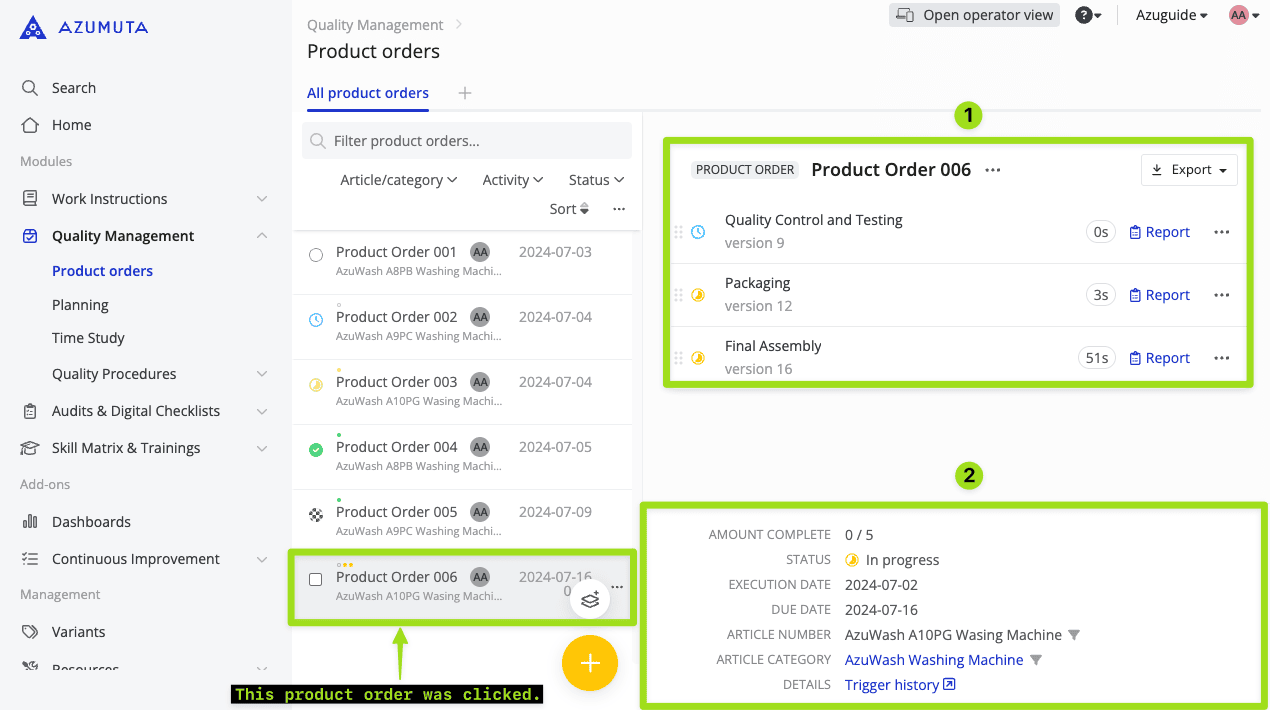
This is what will appear if you click a product order (in this example, Product Order 006).