
Zone Filtering for Product Order Widgets
Why Use Zone Filtering?
Zone filtering lets you limit Product Order widgets to a specific zone (or set of zones) in your Explore tree. In practice, this means:
- You pick one zone (or several zones) from the tree.
- Azumuta resolves which work instructions and spots belong to those zones.
- The widget only shows product orders linked to those work instructions and spots.
This is especially useful when you want a dashboard scoped to a single line, workstation, or area of the factory — rather than a workspace-wide view.
How Zone Filtering Works
Single-Zone vs Multiple-Zone Selectors
Some widgets expose a single-zone selector: you pick one zone or workstation from the tree, and picking a different zone replaces the previous selection.
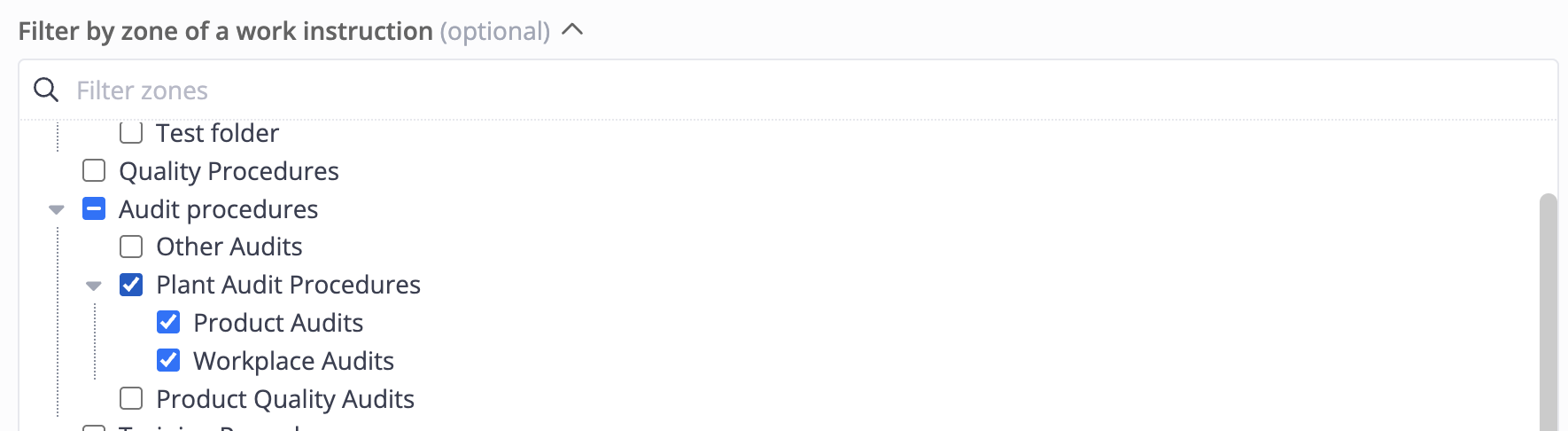
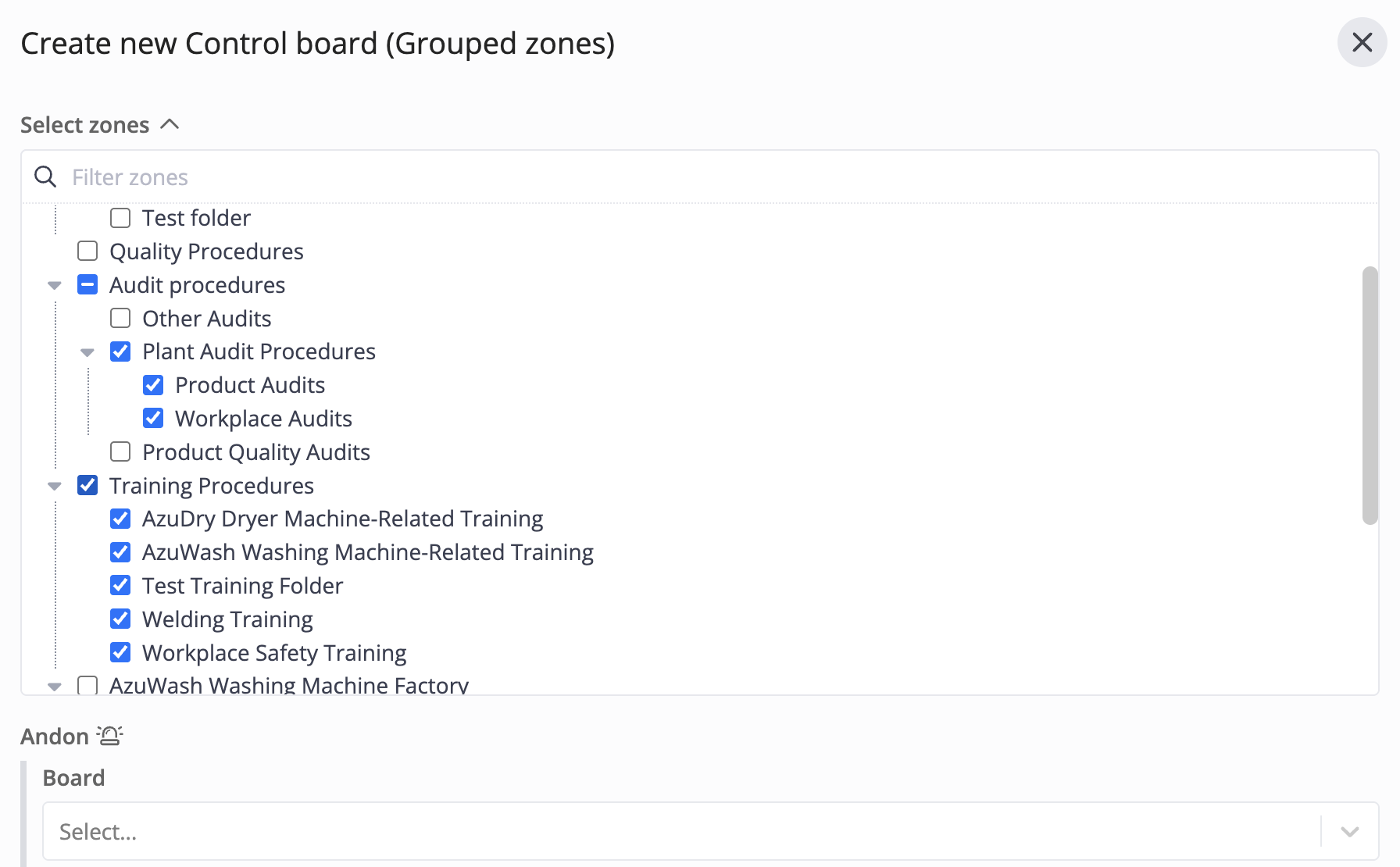
Other widgets expose a multiple-zone selector that lets you tick several zones or workstations at once. Each selected zone is treated as its own row or input by the widget.
Optional vs Required
Depending on the widget, the zone selection is either optional or required:
- Optional — you can leave the selector blank to show product orders across all zones. The widget still applies its other filters (article, status, time range, …).
- Required — you must select at least one zone before you can save the widget configuration. If you don’t, Azumuta shows an error such as No zones configured.
Zone Filtering by Widget
The table below lists the Product Order widgets that support zone filtering, and the kind of selector each one uses.
| Widget | Widget type | Single vs multiple zones | Required? |
|---|---|---|---|
| Amount of Product Orders for Selected Status | Counter | Single zone | Optional |
| Product Orders Kanban Board | Board | Single zone | Optional |
| Zone Control Board – Individual Zones | Table | Multiple zones | Required |
| Zone Control Board – Grouped Zones | Table | Multiple zones | Required |
| Workstation Product Board | Board | Single zone | Required |
Product Order widgets that are not listed above (such as the Control Chart, Combined Report, and the Article/Batch counter tables) do not currently expose a zone selector and always consider product orders across the whole workspace, subject to their own filters.